LetThemChat is the browser side of the same account. Sign in at letthemchat.com with Apple, Google, Microsoft or your company's SSO and you land on your most recent discussion; a new account sees a welcome card with a New discussion button instead. The web has no checkout of its own. It answers questions, reviews what you paste or attach, and hands anything that needs your files to a Mac.
The sidebar
From the top: New discussion (⌘⇧O, or Ctrl+Shift+O), Temporary discussion, then a grid of views: Board, Issues, Releases, Inbox, Schedule, Prompt Library and Artifacts. Under them sit Search discussions… (⌘K) with its Ask button, the filter tabs All, Waiting, Working and Unread, your projects and folders, Recent, and Devices, the Macs this account can hand work to. The plan line and your account row close the list. The account row opens Account, Settings, Get help, Send feedback, Invite a friend and Log out.
In a narrow window the sidebar becomes a drawer behind the menu button.
A discussion
The header carries Summary, Share and the ⋯ menu: Find in discussion, Share with team, Star, Rename, Undo the last turn, Fork, Export…, Download audit log, Archive and Delete. A ticket adds a strip with type, priority, stage, assignee, components and release.
When a Mac is running the discussion, a band under the header says so and offers Stop it. When that Mac asks to run something, the band shows the command with Allow and Deny, unless the Mac is set to take approvals only on itself; then it tells you to answer there.
The composer takes / for commands and skills and @ to address one seat, or @guest to ask any model once. The depth chip, the context meter and voice mode sit along its bottom row.
The room panel
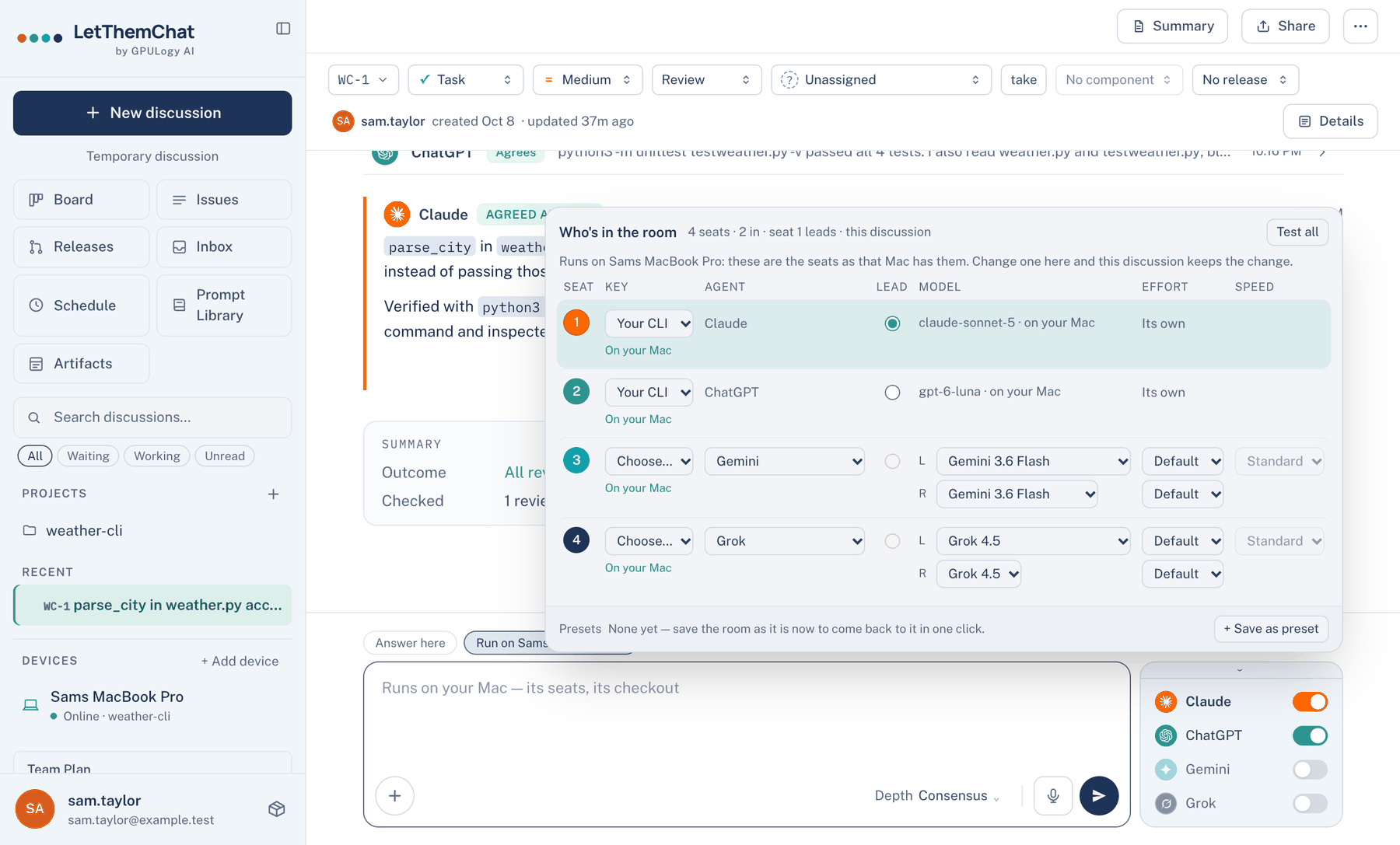
The seat card beside the composer lists the four seats with a switch each; the lead's name is bold. Its top edge, Models and who leads, opens Who's in the room: one row per seat with Key, Agent, Lead, Model, Effort and Speed, a Test all button, and saved presets at the foot.
When to use it. When one question needs a different lead or a cheaper reviewer than your usual room. Changes here apply to this discussion only.
When not to use it. For a change you want everywhere. Open Settings → Who's In The Room from a page with no discussion open, which edits the account's room. For a discussion that runs on a Mac, the panel shows the seats as that Mac has them, and their models are chosen in the Mac app.
Notices
Messages about a run, such as a ceiling reached or a seat that went quiet, arrive as cards stacked at the top right. With two or more, a header offers Dismiss all. Routine notices clear on their own; warnings stay until you close them. The stack is a polite live region, so a screen reader announces it without taking focus from what you are typing. The web has no bell or notice history; that is the Mac's.
Where to find it. Web: Settings → Appearance → Notifications → Show notices in the corner. Default: on. Off puts each notice in a line above the composer.
Inbox
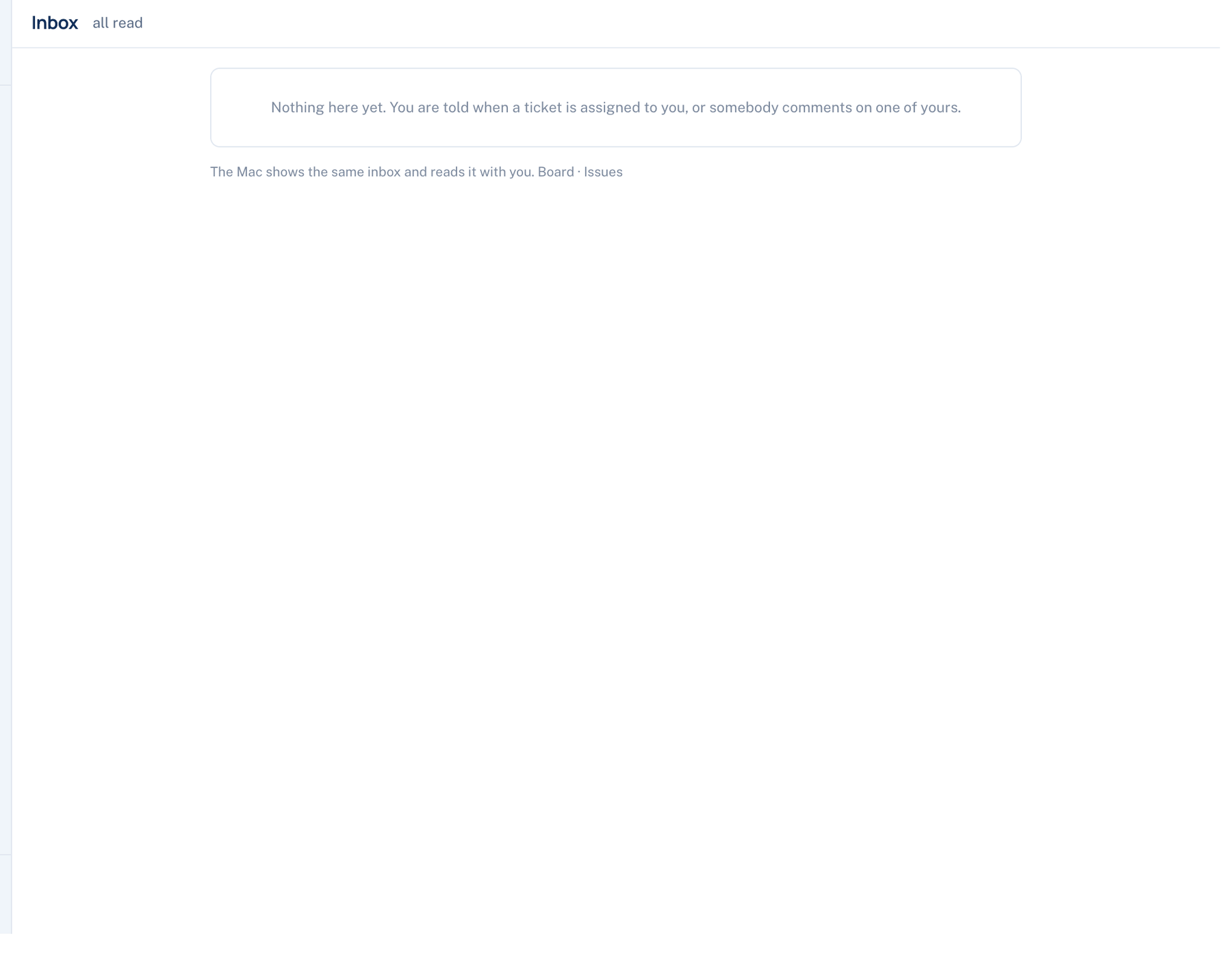
Inbox lists tickets assigned to you and comments on tickets of yours, newest first, with a blue count of unread ones. Opening a row marks it read and takes you to the discussion; Read all clears the count. The Mac and the iPhone show the same inbox.
Further reading. Understanding SC 4.1.3 Status Messages, W3C WAI, 2023.