The GitHub App reviews pull requests on the repositories you install it on. Each review posts one summary comment, edited in place on every later push, and one review carrying inline comments on the diff. With the Checks permission it also posts a check. It never approves, never requests changes, never runs your code and never writes to the repository.
A review is a discussion on the paying account, titled with the repository and pull request number. It counts against your plan like any discussion and is paid from your credit; Settings → Spending shows this week's review cost.
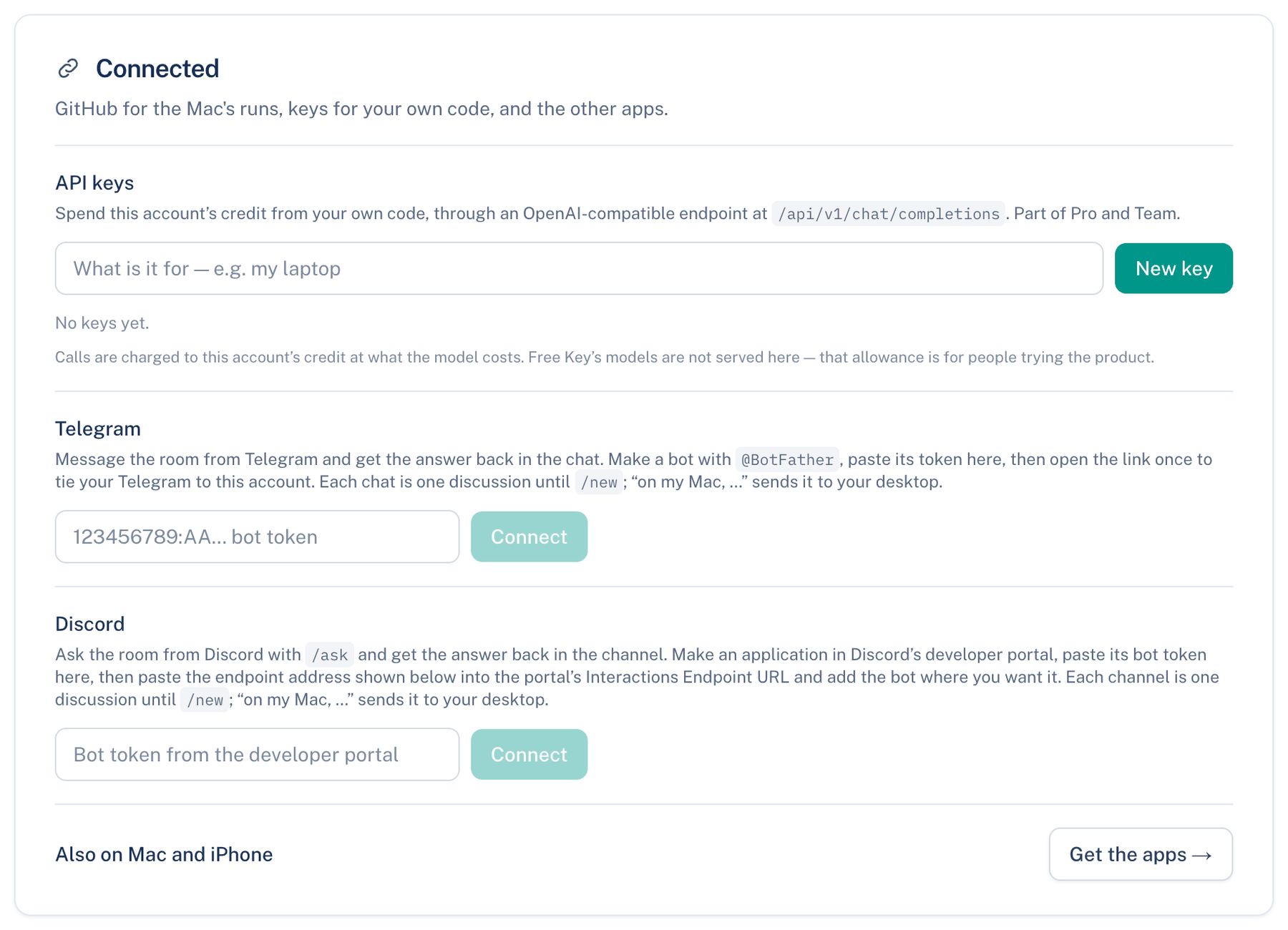
Where to find it. Web: Settings → Account → Connected → Pull-request reviews on GitHub. Mac: Settings → Account → Connected. iPhone: Settings → Account → Connected → GitHub Reviews. On a team, its owner and admins can change the settings too.
How to use it.
- Press Install on a repository →. GitHub asks which account or organisation, and which repositories. Installing on an organisation needs that organisation's owner at GitHub.
- GitHub sends you back, and the installation is linked to the account you are signed in to. A banner says it was linked, or why not.
- Open a pull request on a covered repository. The summary comment appears once the room has read the diff.
The switches
| Setting | Default | What it does | Change it when |
|---|---|---|---|
| Review pull requests | On | Off stops every review; the App stays installed | You want a pause without uninstalling |
| When a pull request is opened | On | Also when a draft is marked ready | You only want reviews on request |
| On every later push | On | A burst of pushes is one review of the newest commit | Pushes are frequent and costly |
| On @mention commands | On | Collaborators can ask in a comment | Rarely |
| Reply under a command | On | One line under the comment that asked | The thread gets noisy |
| Inline comments on the diff | On | Off keeps findings in the summary | Inline notes distract reviewers |
| Resolve our threads once fixed | On | Resolves only its own threads, naming the commit | Your team resolves every thread itself |
| Remember settled findings | On | A settled finding is not raised again in that repository | You want every point every time |
| Economy | On | Cheaper models and two rounds at most | A pull request needs full strength |
| Pull requests from forks | Off | A fork's diff is a stranger's, and it spends your credit | Trusted contributors work from forks |
| Repository lookups per review | 8 | 0 to 20 reads of the repository at that commit | Findings miss context |
| Cost limit per review | 1 dollar | 0 to 20; 0 means no limit beyond your team's | Large pull requests stop short |
| Reviews a day | 50 | 1 to 500 per installation | A busy organisation |
Only these repositories narrows reviews to owner/name lines you list. Empty means every repository the installation covers.
Commands
Write these in a pull-request comment. Only the repository's owners, members and collaborators are answered. The comment gets 👀 at once and a line under it when done.
- @letthembuild review: a full review now.
- @letthembuild summarize: the summary only, no inline comments.
- @letthembuild explain, with a file path or as a reply under a finding: one short answer, checked by the other seats.
- @letthembuild ignore, as a reply under a finding with a reason: settles it. A thumbs-down from someone who can push does the same.
- @letthembuild fix: asks your Mac to work on the open findings, only where fixing is switched on for that pull request on that Mac.
Settled findings are listed in the card with Remove.