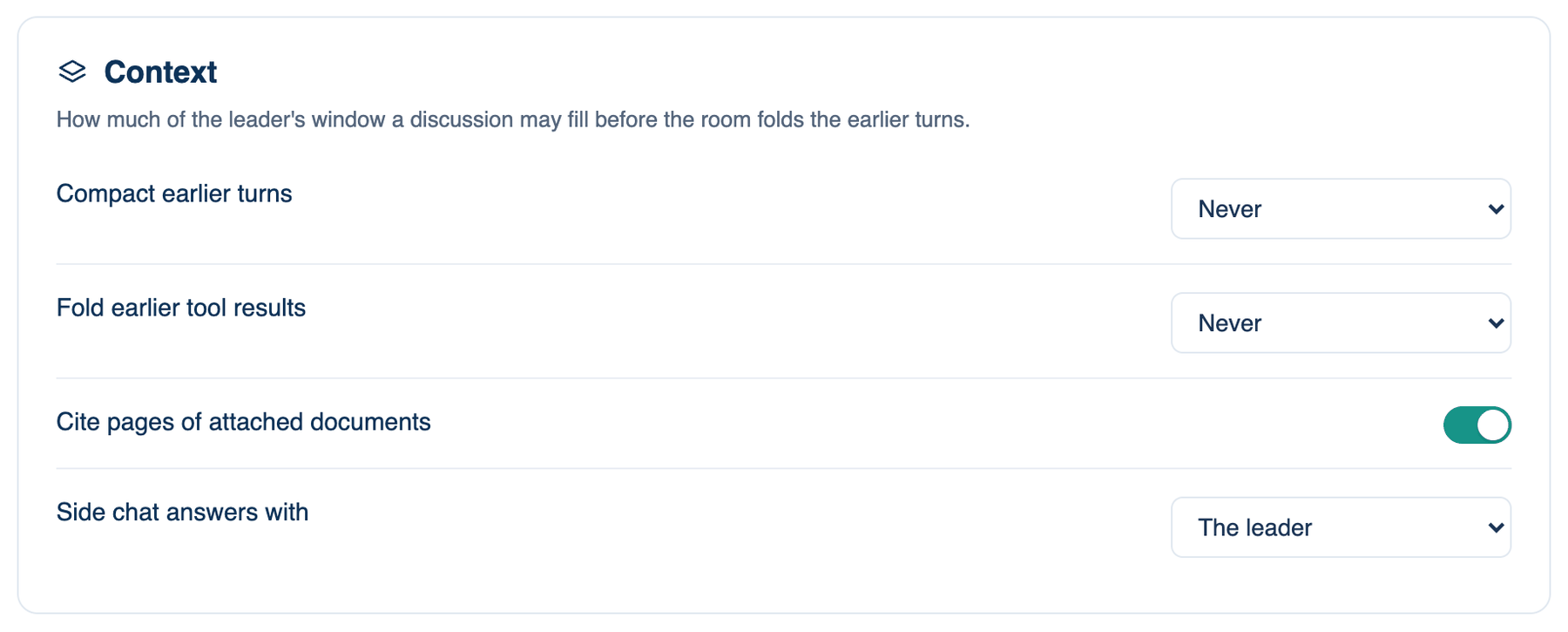
The rest of the Context card, plus Web content, which the web and iPhone show as its own card under Context. All of these follow your account, so a change on one device shows on the others.
| Setting | Default | What it does | Change it when |
|---|---|---|---|
| Cite pages of attached documents | On | When an answer draws on a PDF you attached, it names the file and page, as report.pdf p.3; clicking the citation opens the file at that page. | Off if you never attach documents and want shorter answers. |
| Write a closing answer even when nobody objected and nothing was built | Off | Off: when everyone agrees first time and no files changed, the lead's answer becomes the agreed answer. On: the lead always writes a separate closing answer. | On if you want every discussion to end with the same kind of write-up; it costs one more turn. |
| Side chat answers with | The leader | Chooses the seat that answers Ask about this, the side chat you open on a message or a selection. Options: The leader, The cheapest seat. | The cheapest seat if you use side chats for quick lookups. |
Where to find them. Web and iPhone: Who's In The Room → Context. Mac: Cite pages of attached documents and Side chat answers with are in Who's In The Room → Context; the closing answer switch is in Settings → This Mac → Workspace → Guardrails.
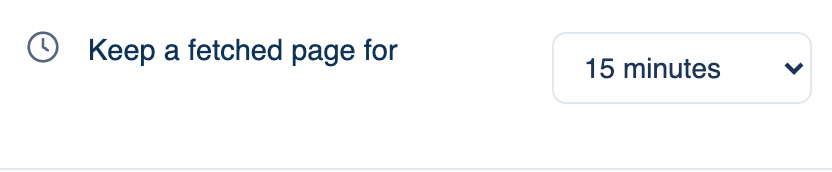
Keep a fetched page for
When a seat reads a web page, the room keeps its own copy for this long. A page read again within the time comes from that copy without another fetch, and the tool row says how old it is. A seat may ask for a fresher copy, never an older one. A page the site marks private is never kept.
Where to find it. Web: Settings → Who's In The Room → Web content. iPhone: Settings → The Room → Who's In The Room → Web content. Mac: Settings → This Mac → Workspace → Privacy & Security. Choices: Don't keep, 5 minutes, 15 minutes, An hour, A day. Default: 15 minutes.
When to use it. A day for documentation that rarely changes, so four seats reading the same reference page fetch it once.
When not to use it. Choose Don't keep for pages that change by the minute, such as a status page or a build dashboard, or when a fetch must reflect the live site every time.
What changes. Don't keep: every read is a fresh fetch, which is slower and may hit a site's rate limit.
What is not on this card
Spending limits for a discussion or a turn are under Billing → Spending → Brakes on every app. The instructions each seat reads live in the Model Prompt Editor.
Further reading. Enabling Large Language Models to Generate Text with Citations — Gao et al., 2023.