Sharing & retention
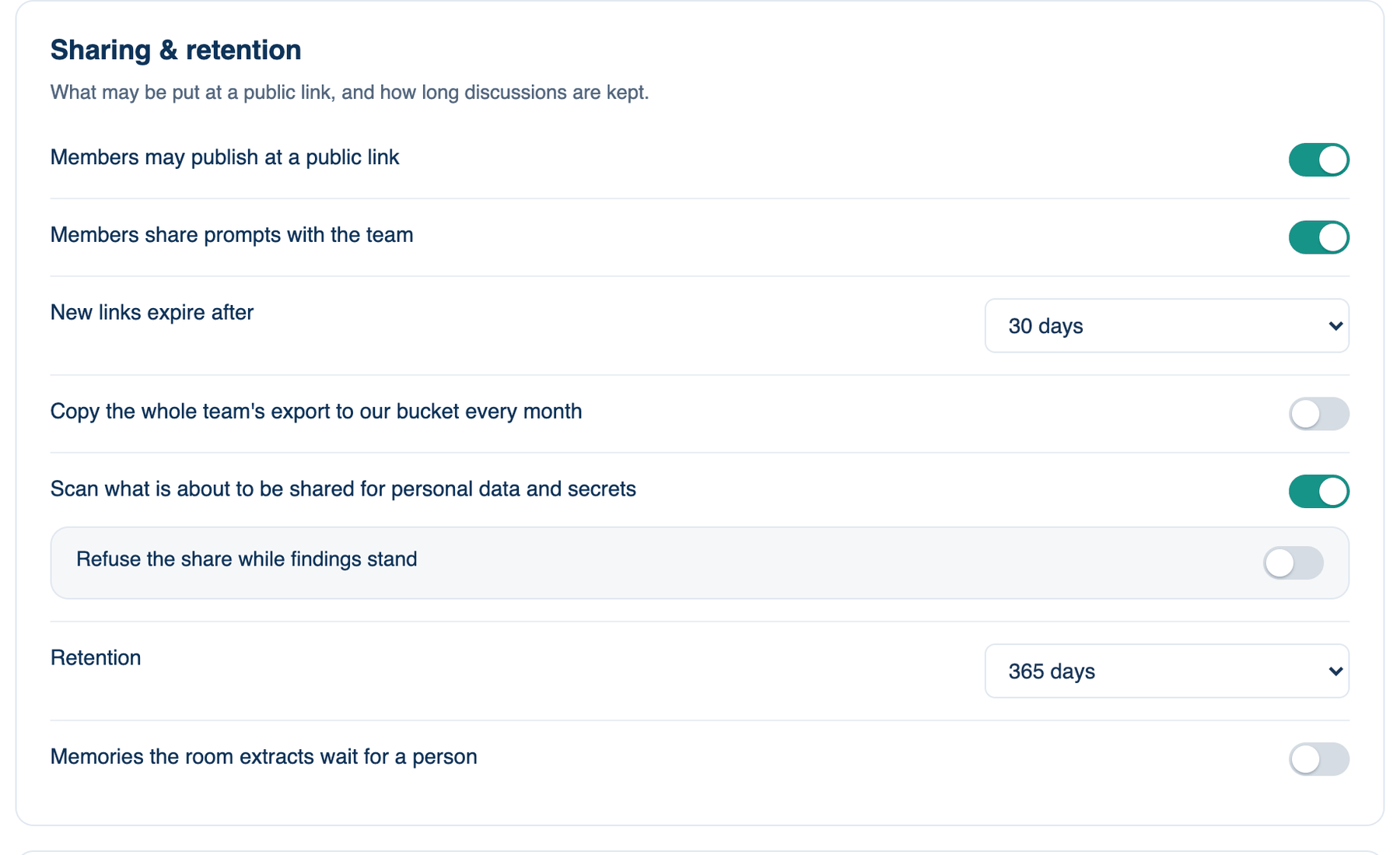
The first card of part 3, Sharing, Review & Evidence. It decides what may go out at a public link, and how long discussions are kept. These lines are held on our servers, so they apply on every app.
Where to find it. Mac: Settings → Account → Governance → 3 · Sharing, Review & Evidence. Web: Settings → Governance (part 3). iPhone: Settings → Governance → Rules → 3 of 3. Owner or admin edits.
The policies, top to bottom
| Policy | Default | What it does | When to turn it on |
|---|---|---|---|
| Members may publish at a public link | on | Off, sharing a discussion, publishing a page or making a report is refused with a sentence. Links that already exist keep working until revoked. | Turn off when nothing should be public without review. |
| Members share prompts with the team | on | A prompt a member saves for the team goes on one shelf every member sees in the Prompt Library. The author or an admin takes it back. Off, the shelf is hidden. | Leave on unless prompts carry client detail. |
| New links expire after | Never | 7, 30 or 90 days. The Shared links screen shows what expires when. | When old links tend to be forgotten. |
| Copy the whole team's export to our bucket every month | off | On the first of each month, last month's discussions, projects, members, policy and audit events go as one JSON file with a manifest to the S3 bucket set under Team → Audit & Logs. Without a bucket nothing is written. | When records must be held outside our service. |
| Scan what is about to be shared for personal data and secrets | off | When a link, page or report is made, findings are shown, with a choice to share anyway. | When people share from support or sales work. |
| Refuse the share while findings stand | off | Removes "share anyway"; the person redacts first. | When a leaked key would be an incident. |
| Retention | Until deleted | Closed discussions older than 30, 90 or 365 days are deleted for the whole team, on the server and on every Mac. Pinned and shared ones are kept and say so. | When your records policy sets a period. |
| Memories the room extracts wait for a person | off | Memories drawn from a finished discussion arrive marked new and stay out of the prompt until someone accepts them. | When a wrong memory would mislead every later run. |
When not to use it. Retention deletes. A discussion past the period is gone from the server and from every member's Mac, so pin anything you must keep before you set a short period.
Further reading. NIST SP 800-92, Guide to Computer Security Log Management, Kent and Souppaya, NIST, 2006.