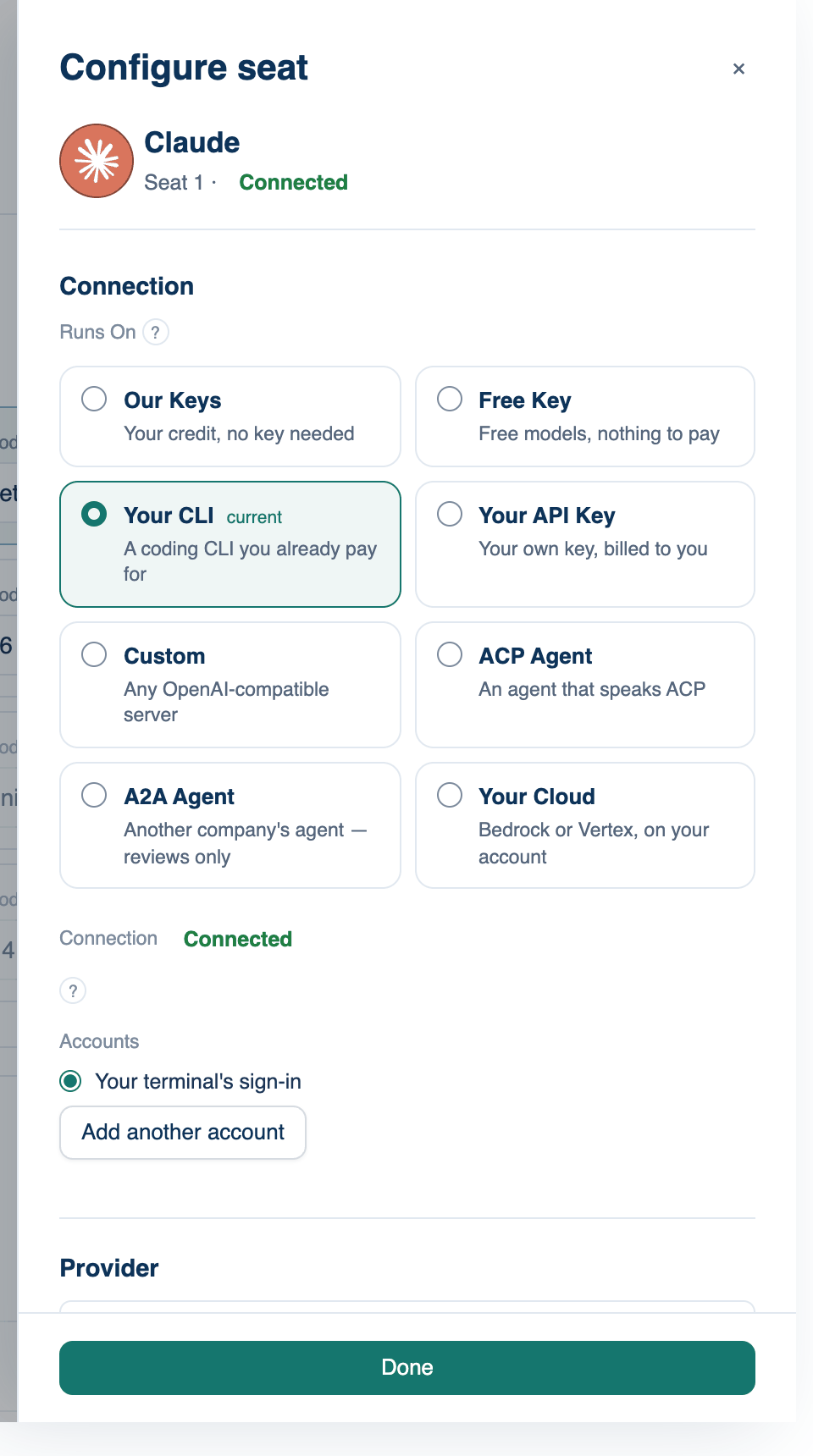
Press Configure › at the end of a seat's row to open its side panel. On the iPhone, tap the row. The top shows the seat's name, its number and state, and "Answers to @name" when it holds a named model. Below that come Connection (the Runs On cards, covered on the seat power pages), Provider, and Models & Effort. Press Done, Esc or click outside to close.
Provider
Which maker's line the seat holds. Picking one saves that family's default lead and review models at once.
Where to find it. Configure seat → Provider, on Mac, web and iPhone. On a CLI seat it lists only lines that have a CLI. On a Custom seat it shows the endpoint's name as text.
What changes. The menus below narrow to that family. On Our Keys the list includes makers reached through a router, in a second labelled group, sorted A to Z.
Lead Model and Review Model
The same two menus as the seat's row, with more room. Each lists the family's own models, then the catalogue for that family, sorted A to Z with the price on hover. A model marked "no tools" can answer but cannot run commands or read files.
Typing a model that is not listed. On every way except Our Keys, the menu ends with Custom — type a model id. Use it for a model newer than the list. Our Keys refuses ids with no published price, because each call there is metered.
New models. Lists come from the server, so a new model appears without an app update. A saved model newer than your build shows as itself. When a default model is replaced, seats holding it move to the successor; one that has been withdrawn shows "(no longer offered)".
Model rating. When there is enough history, a line under the menus says how often the room ranked this model first, from past discussions.
Leader Effort and Reviewer Effort
How hard the model thinks before answering, per job: Provider default, Minimal, Low, Medium or High. Each choice says what it does to the bill, from "the cheapest this model gets" to "several times the default".
Where to find it. Configure seat → Models & Effort, on Mac, web and iPhone, and the Effort column of the seat dock. Default: Provider default. Hidden for CLI, ACP and A2A seats, whose agent decides.
When to use it. Thinking is billed as output, so turning the reviewer down is where most of the saving is. Raise the lead's effort for a hard design question.
When not to use it. High effort on a short question costs several times as much for the same answer.
Speed
Standard or Fast. Fast is the same model answering sooner at about twice the price per token, offered only where the model and the way it runs support it.
Where to find it. The Speed column of the seat dock (Mac) or room panel (web, iPhone). Default: Standard. The menu is greyed when the model has one speed.