Your plan
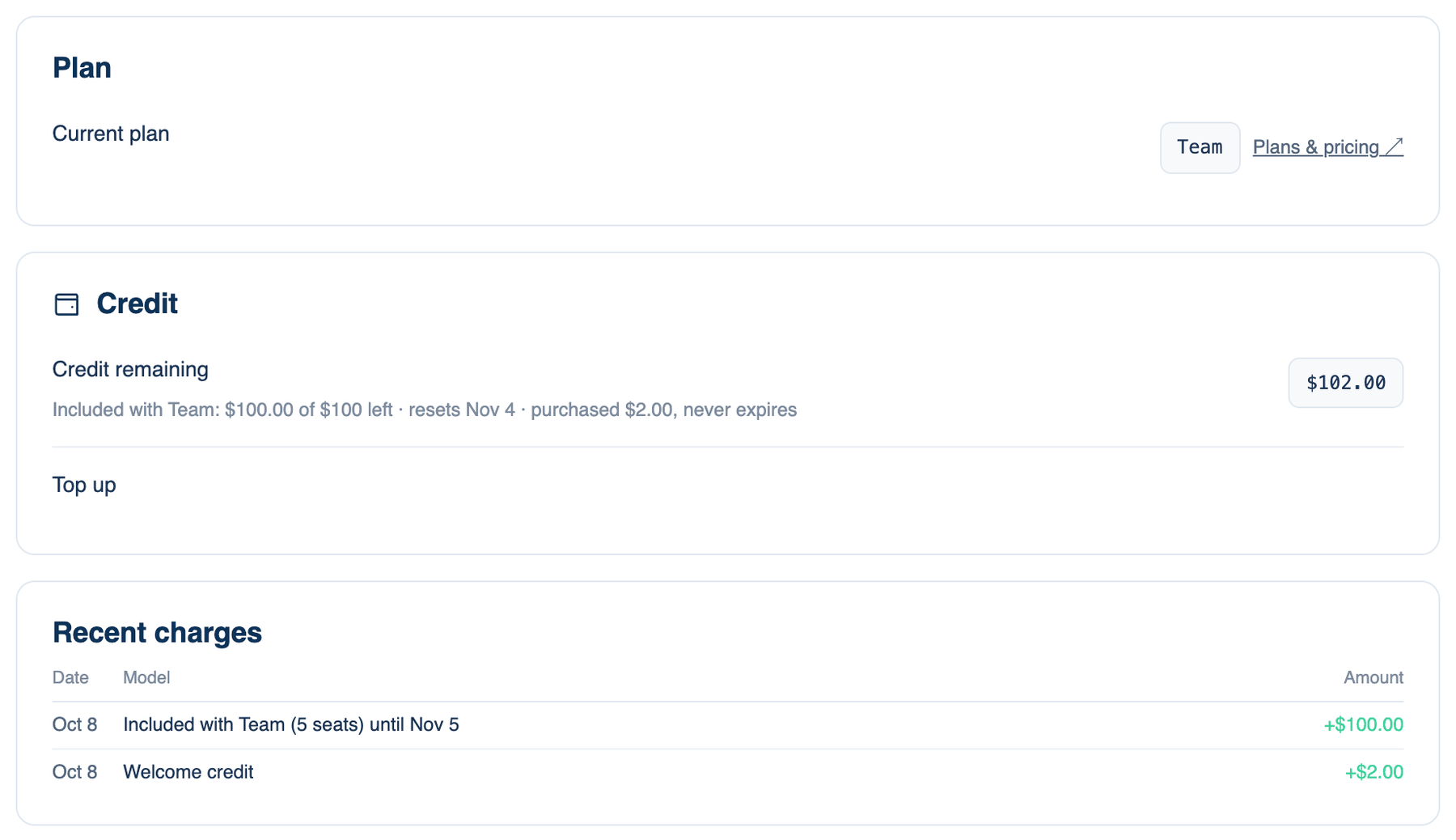
The page shows what you are on and what this month has used of it. Free is $2 of credit to start and 10 discussions a month after the trial. Pro is $20 a month or $200 a year, with $10 of AI a month on Our Keys for the first three months. Team is $40 per seat a month with $20 per seat, pooled.
Where to find it. Mac: Settings → Billing → Plan & Billing, or the account menu → Plan & Billing. Web: Settings → Plan & Billing. iPhone: Settings → Plan & Billing, with the plan's name on the row.
Plans are bought and changed on the web. The iPhone opens your account in Safari; there are no in-app purchases. The Android app shows your plan and credit but sells nothing.
Credit
What seats on Our Keys spend. Credit remaining is broken into what your plan includes (with the date it resets) and what you bought, which never expires. Included credit is spent first. Tokens cost the provider's price plus 10%; your own keys and CLIs cost nothing here. Out of credit, seats on Our Keys stop; seats on your own key, a CLI or a custom endpoint keep working.
Top-ups
Add buttons, one per amount offered, open a checkout. The credit appears a few seconds after payment. A team's credit is the owner's.
Two things come out of each top-up before it is credited: the payment provider's fee (about 5% plus fifty cents) and the 4.5% the product keeps. A ten-dollar top-up adds about eight dollars fifty-five of credit. Both appear on the top-up's line under Recent charges.
Auto-reload
Adds one top-up amount when credit falls below two dollars, charged to the card on your subscription, at most three times a day.
How to use it.
- Under Auto-reload, choose an amount. Off is the default.
- If a payment fails or the plan is cancelling, it pauses and says why; top up by hand meanwhile.
When not to use it. On a long unattended run with no ceiling, auto-reload keeps paying. Set a discussion ceiling first. Needs Pro or Team.
Changing plans
On the web, the Plans card changes your current subscription in place: switching plan, or monthly to yearly, takes effect now and the difference is charged or credited, pro-rated. Leaving Team names the members affected and asks you to confirm; the team and its discussions are kept, but shared keys and team rules stop applying. Cancelling to Free runs to the end of the period you paid for, through Manage subscription. If a payment fails, you keep access for a short grace period after the paid period ends while the card is retried.
Recent charges lists the last credit movements.
Further reading. FinOps Framework, FinOps Foundation.