Artifacts
An artifact is something the room made for you rather than said: an HTML report in an answer, a page it published, a deck or a picture. Artifacts gathers them across your discussions, so last week's report can be found without remembering where it was.
Where to find it. Web: Artifacts in the sidebar. iPhone: Artifacts in the drawer. Mac: the ⋯ menu → Artifacts, which opens the Artifacts pane in the workbench. Default for Show Artifacts in the sidebar: on, shared across the web and the iPhone (web: Settings → Appearance → Sidebar; iPhone: Settings → Appearance).
On the web each card shows a live preview, a lock for private or a link icon for shared by link, when it was made or edited, and the discussion it came from. Filter with Show (All, Reports, Files, Published) and Sort (Recent, Name). The iPhone has the same filters and opens, shares or jumps to the source discussion.
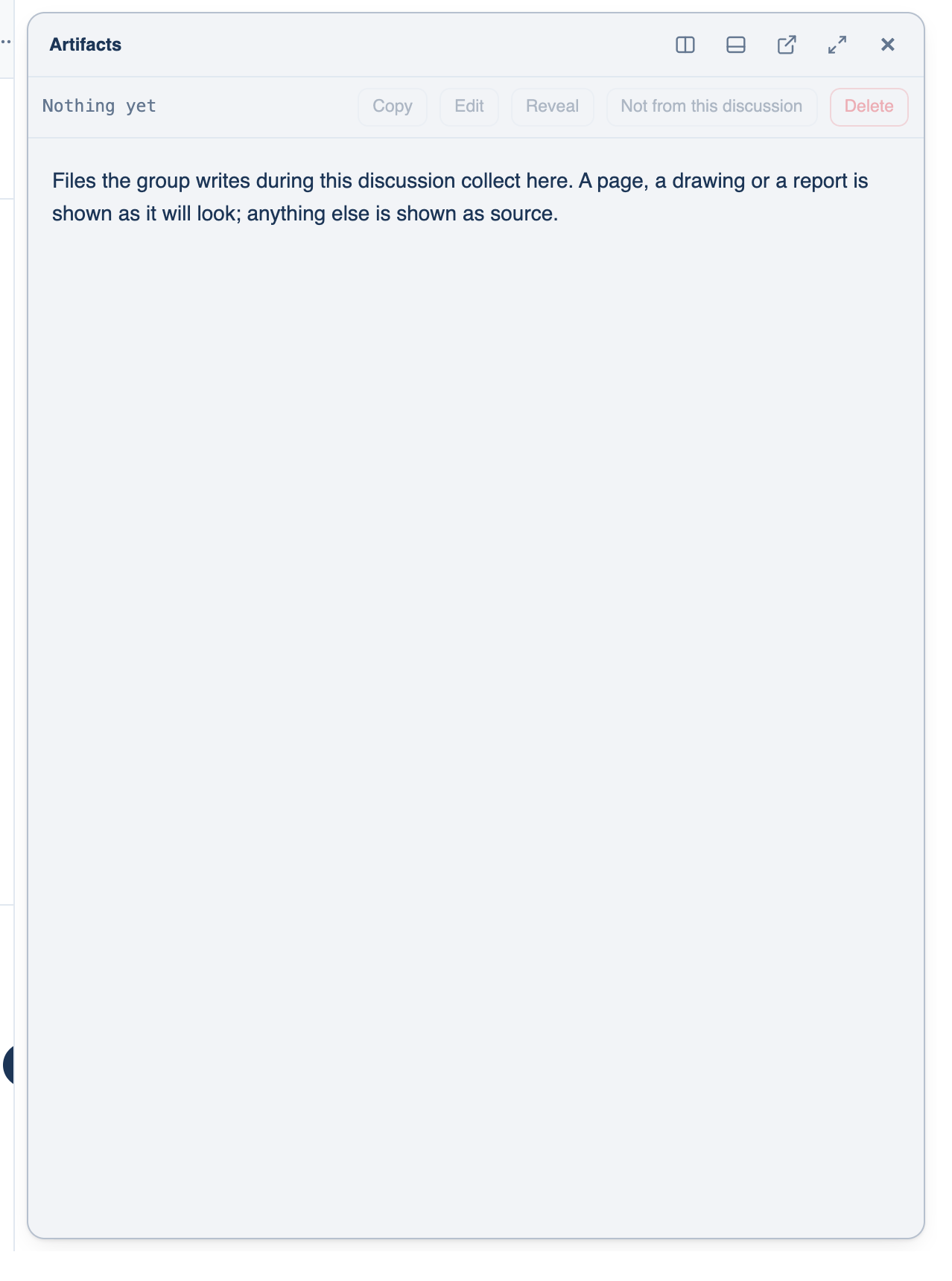
On the Mac the pane lists the files this discussion produced in the workspace's artifacts folder, plus simulator screenshots. Each has Preview and Code, Copy, Edit, Reveal in Files and Delete, which deletes the file itself after asking.
What is not listed. A private or temporary discussion keeps its answers on the device, so it adds nothing to the web's list. A teammate's deck stays theirs.
Published pages
When an answer is something to look at, such as a chart, a mock-up or a small calculator, the lead can publish it as a page with a link. Anyone with the link can open it, on any device, without signing in.
The page is a single HTML file served in a sandbox: inline script and style are allowed, but it has no network at all, so a page that loads a script or calls an API will not work. When the room improves a page it rewrites it in place, the link stays the same, and the header counts the rewrites. Every page carries a line saying it was AI-generated and by which models.
Where to find it. Web: Settings → Account → Your Data → Published pages (Copy link, Open, Delete). iPhone: Settings → Account → Your Data → Shared links. The Mac lists them under Account → Your Data.
When not to use it. For anything private. The link is the only lock. On the Mac, publishing a file that looks like it holds secrets is asked about by name every time, and a private discussion cannot publish at all.
Slide decks
Ask for a deck, or use the built-in /deck skill. The lead describes the slides and the app draws a .pptx, along with an HTML preview of the same layout that opens in the Artifacts pane, so you can check it without PowerPoint. Asked to change a deck that already exists, the room edits it in place. On the web a deck is a file in Artifacts, visible to you only.
When not to use it. For a deck that must follow a corporate template exactly. The app draws from a few slide shapes and a palette; it does not fill your master slides.
Further reading. Article 50, Transparency obligations, EU AI Act, European Parliament and Council, 2024.