Export your data
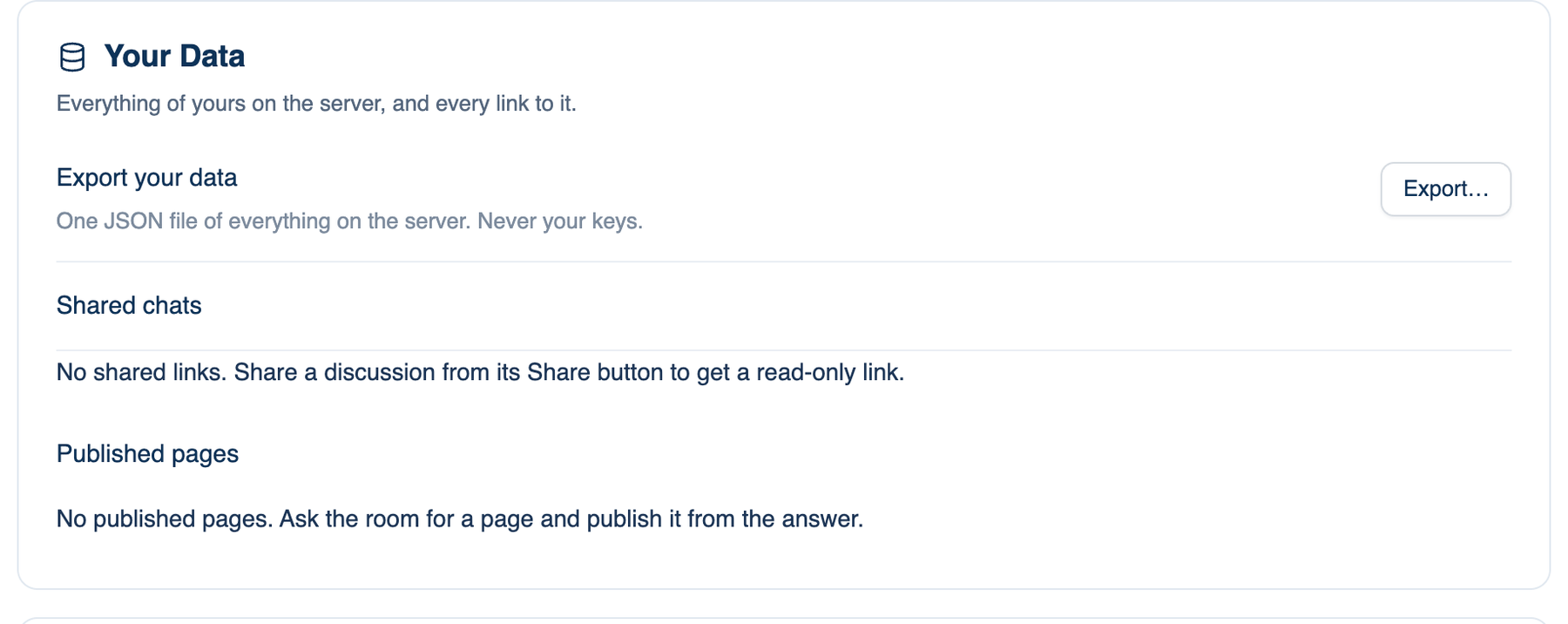
One JSON file: your discussions and their messages, folders, skills, prompts, memories, schedules and reports, as the server holds them. Never your keys.
Where to find it. Mac: Settings → Account → Account → Your Data → Export…. Web: Settings → Account → Your Data → Export. iPhone: Settings → Account → Export my data. Needs you signed in.
When to use it. Before deleting the account, for your own backup, or to answer a data-access request at work. It does not include Keep on this Mac discussions, which never reached the server; those are in the Mac's storage folder.
Shared chats and published pages
Shared chats lists every discussion with a public link. Anyone holding the link can read it. Stop sharing kills the link for everyone who has it; sharing again makes a new one. Published pages lists pages the room published at a link, with Delete; the link stops working at once. Both lists are on the Mac and web under Your Data, and on iPhone under Account → Shared links. The web and iPhone also offer Copy link and Open.
Privacy and the analytics choice
How we use your data is a folded explainer with four parts: what is kept on the server, where it goes, what is never done, and how long. The same words appear on all three apps. Terms, Privacy and Refunds open on letthembuild.com.
| Setting | Default | What it does | Change it when |
|---|---|---|---|
| Share usage with LetThemBuild (Mac), Share usage analytics (iPhone) | Off | Two events per discussion, started and finished, with the permission mode, seat count and duration, tied to your account. Never a title, a path, a command or any text | You want to help us see how the app is used |
| Change your analytics choice (web) | Not yet asked | Clears your answer so the browser asks again. Stored in this browser only | You answered the prompt and changed your mind |
A team can switch product analytics off for all its members.
Delete Account
Removes your discussions, folders, saved provider keys and every signed-in device from the server. It cannot be undone.
Where to find it. Mac: Settings → Account → Account → Delete Account. Web: Settings → Account → Delete Account. iPhone: Settings → Account → Delete account….
How to use it.
- Press Delete account…. The app first checks for two blockers: a subscription still billing, or a team you own that has other members. Either one is listed and stops you. Cancel the plan, or hand over or delete the team, first.
- Type your email address to confirm.
- Press Delete for good (iPhone: Delete my account). You are signed out.
What changes. The billing records stay so the books balance, with your address replaced by a one-way digest. Sessions already stored on a Mac stay on that Mac; clear them in Settings → This Mac → Storage. Export first if you want a copy.
Further reading.
- GDPR Article 17, right to erasure — European Union, 2016.
- Right to erasure guidance — UK Information Commissioner's Office.