Two features carry the GitHub name, and they do different jobs. GitHub for the Mac app's runs, on this page, gives each run on your Mac a short-lived token in your name. Pull-request reviews on GitHub puts the room on your pull requests inside GitHub, with no app open anywhere; it has its own page. Both use the LetThemBuild GitHub App, and both cards are hidden on a server that has no GitHub App set up.
GitHub for the Mac app's runs
Without it, a seat that runs gh on your Mac would need your own gh login, which lasts for months and opens every repository you can see. The sandbox keeps that login away from a seat's commands. With the connection, each run gets a token of its own that opens only the repositories you installed the app on and expires in eight hours. Pushes and pull requests still carry your name.
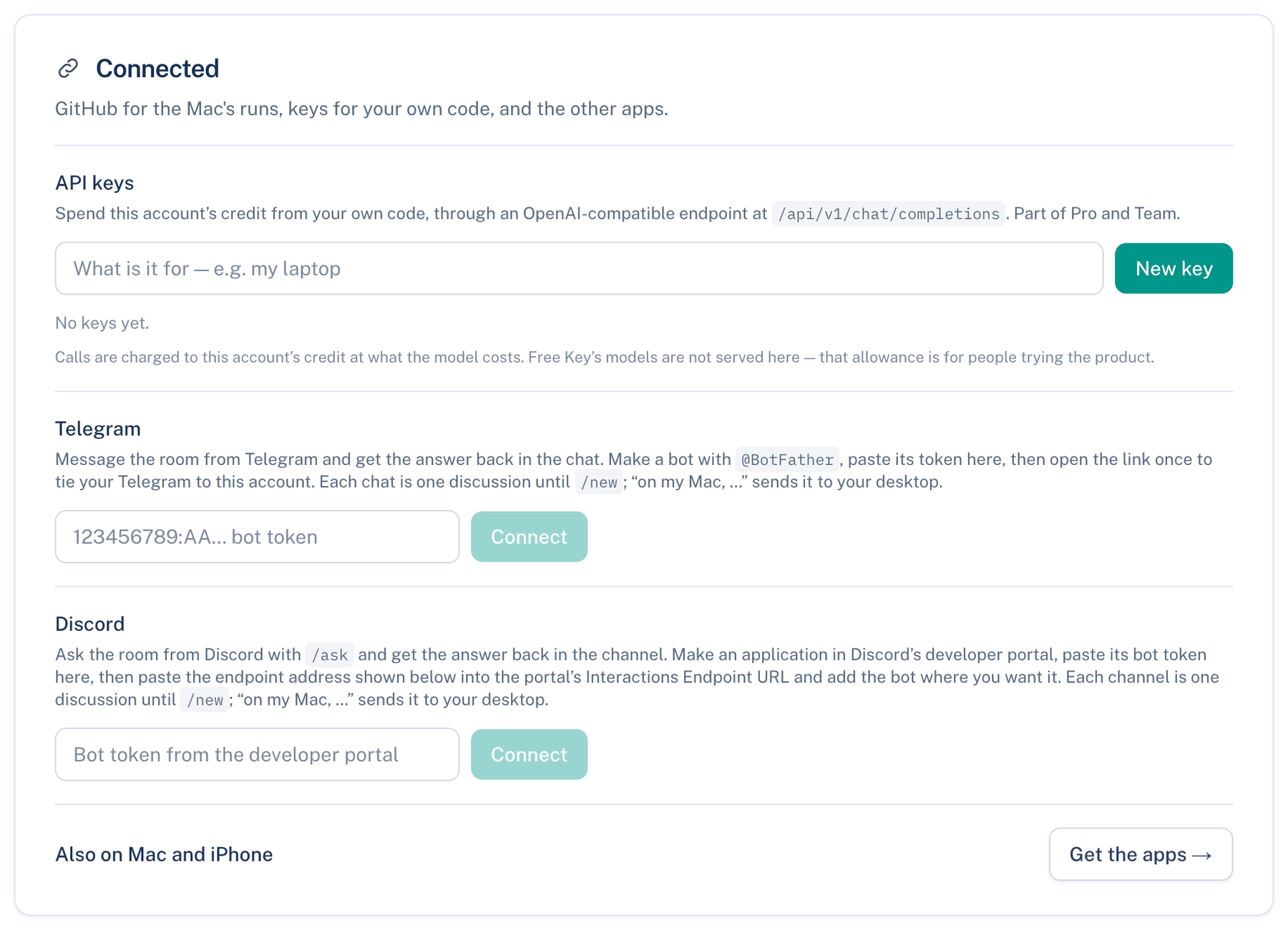
Where to find it. Web: Settings → Account → Connected → GitHub for the Mac app's runs. Mac: Settings → Workspace → Privacy & Security → GitHub access during a run, which links to the web. Default when connected: Leave the token to expire.
How to use it.
- Press Connect GitHub → and authorize the app at GitHub.
- Press Choose repositories → and pick the repositories a run may reach.
- Start a discussion on the Mac that pushes or opens a pull request. The card reads "Connected as" and your login.
When to use it. On any Mac where seats push, open pull requests or read issues.
When not to use it. For a repository the app is not installed on: the run's token cannot reach it.
What changes. When a run ends has two choices. Leave the token to expire: your Mac drops it and GitHub refuses it after eight hours; nothing is asked of GitHub. End the token at once: your connection to GitHub is renewed as the run ends, which ends that run's token. Only the newest run's token is ended this way; an earlier one still expires on its own.
GitHub for seats
When no app token covers a repository, a seat's gh fails. The Mac setting GitHub for seats decides what happens next: Ask me (default), Always allow, or Never. Allowed, your gh sign-in is read by the Mac and handed to that run's commands only, never saved or sent anywhere.
Where to find it. Mac: Settings → Account → Sign-in & Security → GitHub for seats. Mac only.
GitLab
A checkout whose remote is on GitLab gets merge requests where GitHub gets pull requests. Create PR opens a merge request through glab, /issue starts a discussion from a GitLab issue, and the pull-request chips show a merge request's state. The app uses the glab you already signed in to and holds no GitLab token of its own.
What GitLab does not get yet: short-lived tokens, watching a merge request's pipeline, and reviews posted inside GitLab.
Further reading. RFC 8693 OAuth 2.0 Token Exchange, IETF, 2020. RFC 9700 Best Current Practice for OAuth 2.0 Security, IETF, 2025.