The usage dashboard
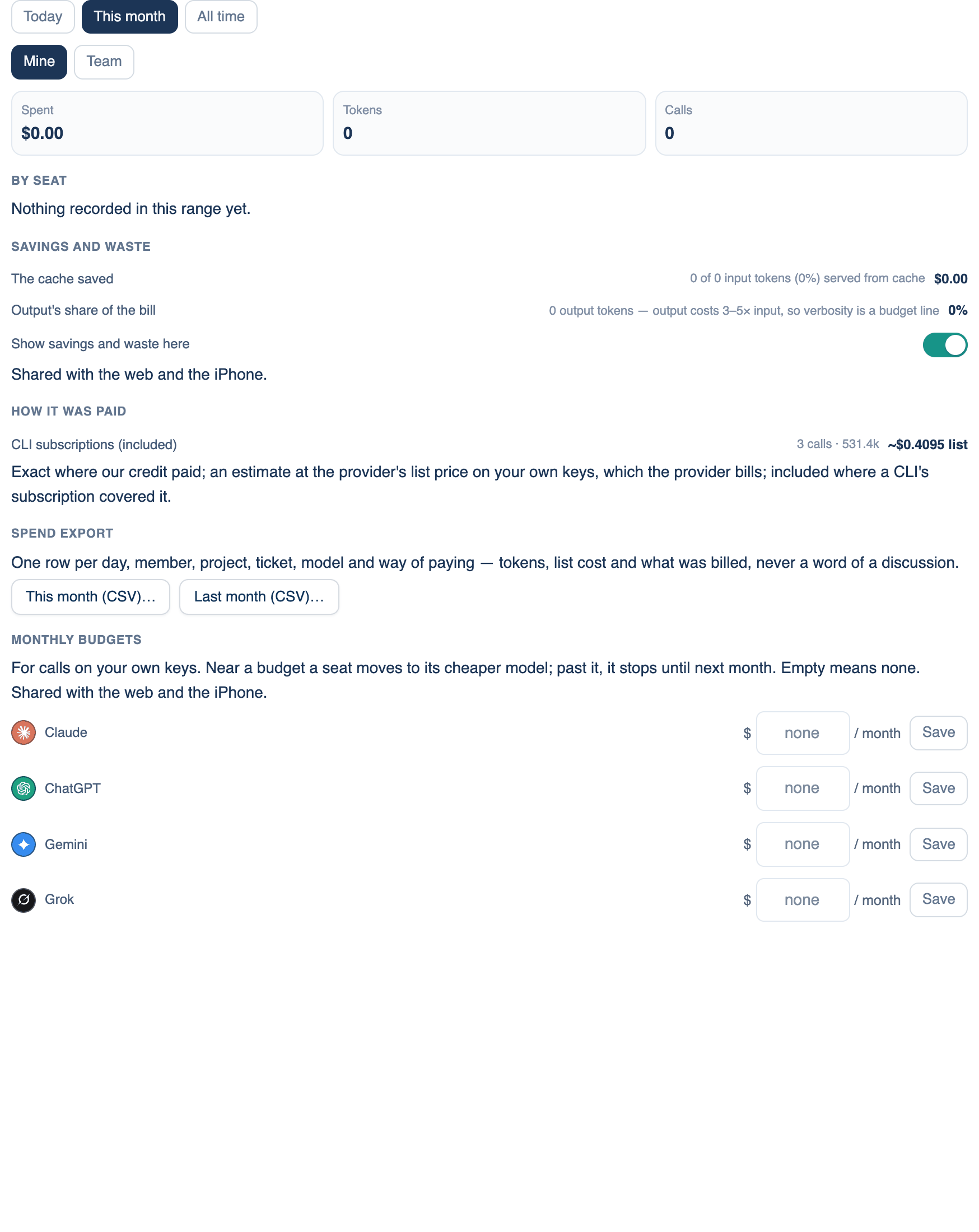
Below the brakes, the Spending page shows what has been spent, measured from each provider's own reported token counts across the web, the Mac and the iPhone. A seat that runs through its own CLI is billed by that subscription, so it shows calls and tokens but no money figure.
Where to find it. Mac: Settings → Billing → Spending → What you have spent. Web: Settings → Spending (the page is headed Usage & Spend). iPhone: Settings → Spending. Every plan.
How to use it.
- Pick a range: Today, This month or All time. This month is the default.
- On a team, owners and admins also see Mine and Team. Team counts every discussion shared with the team, whoever ran it.
- Read the totals: Spent, Tokens and Calls, and on the web Budget left. Calls with no published price are left out of the totals and counted in a warning line.
Breakdowns
By seat on the Mac, By AI on the web and iPhone, then By model, By project, By release, By member (team view), By discussion and By platform. Each list appears only when it has something in it. On the web, each provider card also shows any rate limit the provider reported and a Top up link to that provider's billing page.
At this pace
A straight line from the period so far: the day each budget, each member's budget and the credit pool would run out. Lines within a week are marked. Nothing is stopped by a forecast.
Savings and waste
What prompt caching saved, how much of the bill was output, and API tokens, providers and members not used in 30 days. Hide the figures with Show savings and waste here, which is on by default and shared across the apps.
Where it went, and how it was paid
Where it went lists each host that received prompts or repository content, with its region, operator and call count, stamped by the code that made the call. How it was paid splits spending by credit (exact), your own keys (an estimate at list price, since the provider bills you), a CLI subscription (included) and Free Key.
GitHub reviews
When pull-request reviews on GitHub cost anything this week, a line at the top says what and how many, with a link to the review settings.
When not to use it. The dashboard is not an invoice. For your own keys, the provider's bill is the real figure; the next page explains how to compare them.
Further reading. FinOps Framework capabilities, FinOps Foundation.